
Care with a clear process
Customers buy a plan, complete inspection and activation, then raise a service request. Sarv Shield coordinates eligible repairs under the accepted plan terms.
FOR INTERIOR DESIGNERS & ARCHITECTS
Introduce your clients to annual care for their finished home and commercial interiors. Keep the relationship going beyond the handover.
An enquiry starts a conversation. Selling access follows approval.
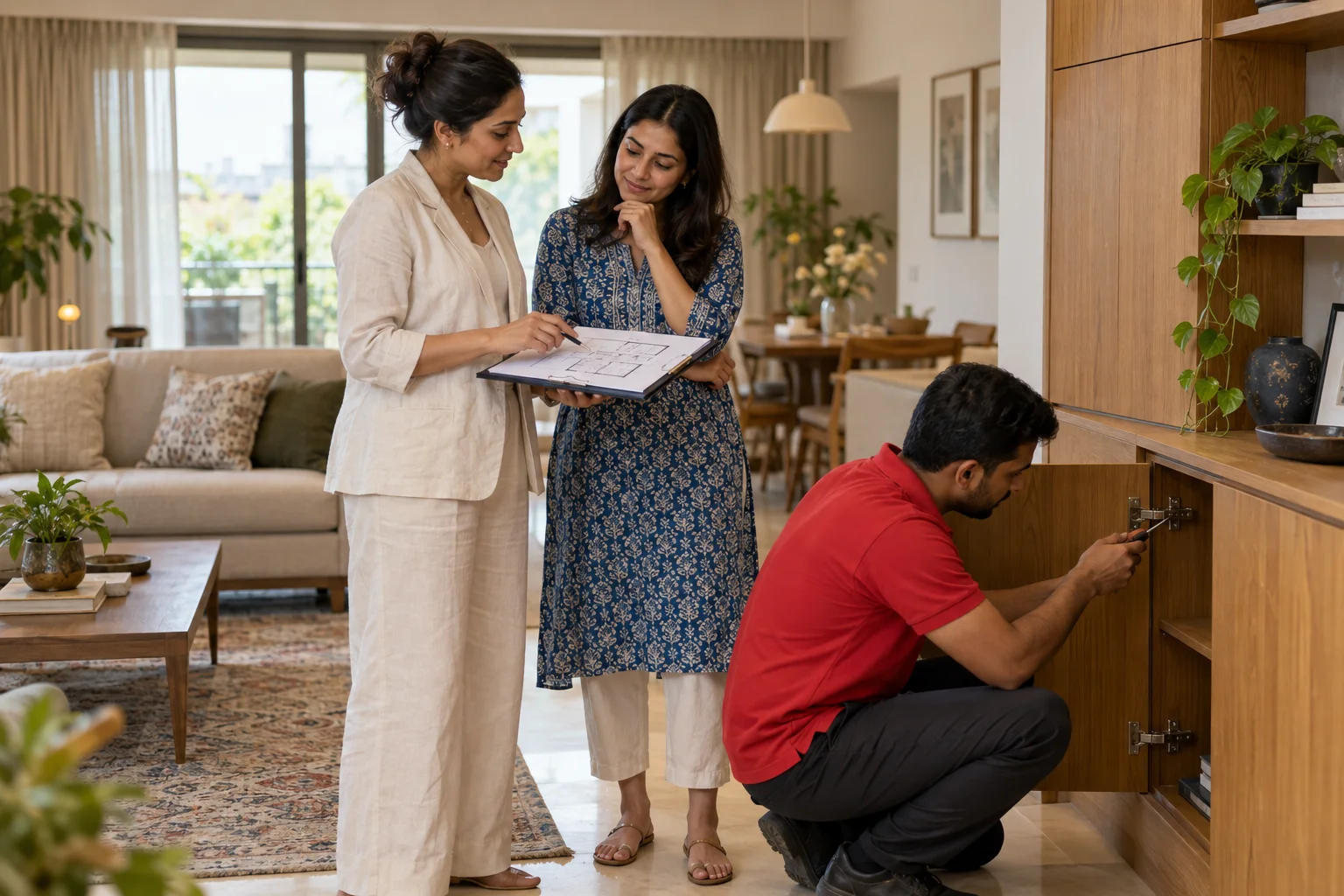
A RELATIONSHIP THAT CONTINUES
Help clients understand how eligible repairs and maintenance fit into life after their project is complete.
Customers buy a plan, complete inspection and activation, then raise a service request. Sarv Shield coordinates eligible repairs under the accepted plan terms.
Introduce Home and Commercial Plans through your Interior Designer access. Follow the status of your introductions in one place.
Commission is linked to eligible activated first-time memberships, with programme records available in your portal. An enquiry or approval alone does not earn commission.
FROM FIRST CONVERSATION TO ACCESS
Our sales team guides the application. A manager independently reviews the details before access is enabled.
Share your interest here, call us or email us. Our sales team arranges a visit to understand your business and explain the programme.
Complete the onboarding form with the salesperson. Upload business details, required documents and the signed, business-stamped agreement.
A manager checks the application and documents. If something needs attention, the team helps you complete it before approval.
Use your verified registered mobile to sign in. Receive your reference code, permitted access, training and collateral handover record.
TAKE THE FIRST STEP
Tell us a little about your business. Our team will discuss the programme and the next steps with you.
Start with your GSTIN, PAN and entrance photo after mobile verification. Our salesperson collects the remaining evidence securely during onboarding.
Prefer to talk?
+91 94098 12102
partner@sarvshield.com
JOIN / LOG IN
Already approved? We’ll open your programme access. New here? We’ll guide you through showing interest.
Approved Interior Designers and architects can introduce Home and Commercial Interior Plans. Furniture selling access belongs to showroom and manufacturer Partners.
Yes. GST registration is mandatory before an application can be approved. You can express interest now and discuss the required documents with the sales team.
The sales team discusses training and suitable collateral during onboarding. The handover is recorded so both teams know what has been provided.
Commission depends on eligible activated first-time customer plans under the programme agreement. Your portal records introductions and commission status; expressing interest or being approved does not by itself earn commission.
Your sales team can prepare and submit the application. Programme access is enabled only after the manager’s review and approval. Use Join / Log in to verify your mobile and check your application or approved programme access.